My dad asked me a question on how to blur an image, whilst having the blur occur gradually. The following tutorial provides one method you can use to achieve this. About the tip Ok, this is the first quicktime tutorial I’ve recorded. I must apologize in advance for the bad sound quality: lack of a […]
You are browsing archives for
Category: Adobe Photoshop
Chalk and tear-off edge mask
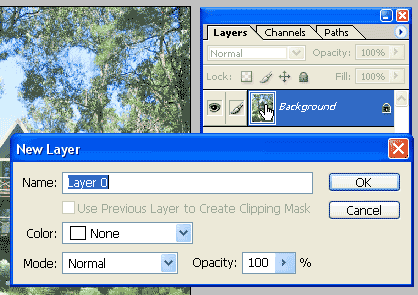
Digitip 030 – Adobe Photoshop CS A quick tip on how to create digital tear-offs using Photoshop’s default chalk brush.
Layer Mask from Grayscale Image
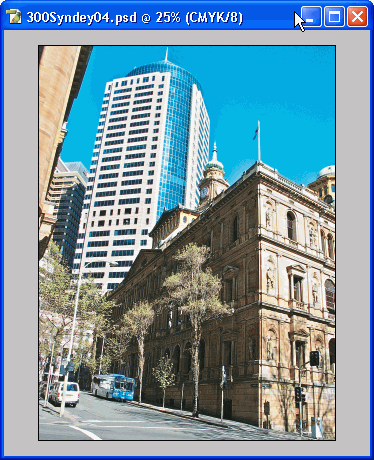
Digitip 025 – Adobe Photoshop CS (revision 1.1) During a Saturday training session, one of the trainees asked a question about creating a layer mask based on an existing greyscale image. A solution was found, that seemed too much like a work around. The following tip uses a copy-‘n-paste approach.